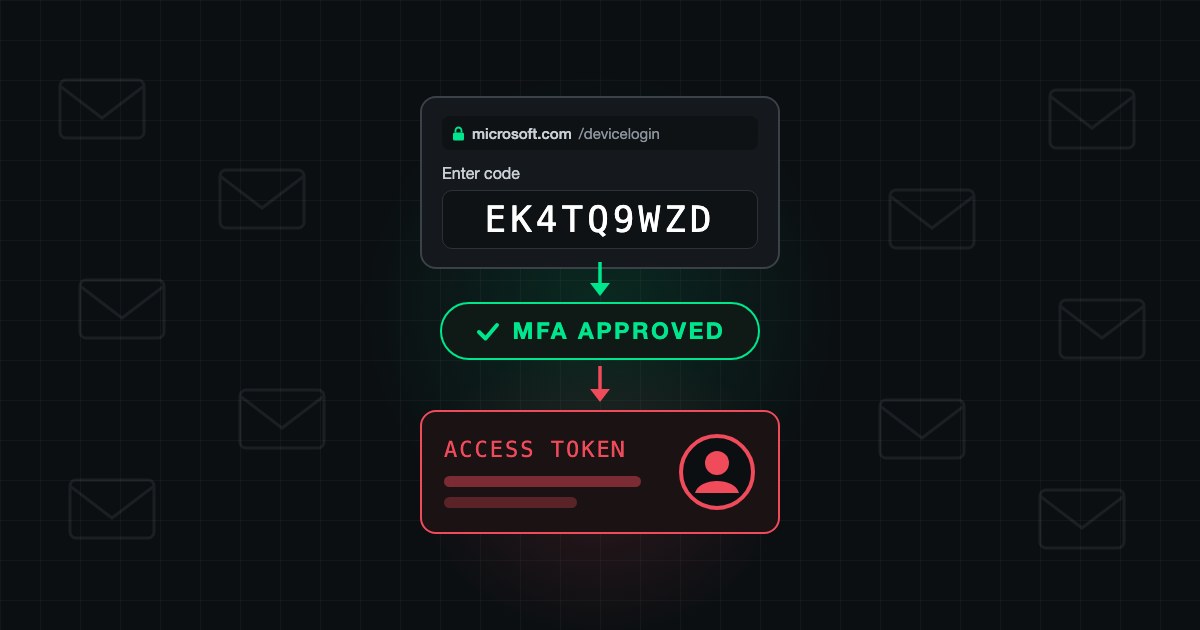
Conditional Access is the front door of every Microsoft 365 and Microsoft Entra ID tenant. When it drifts, MFA gets bypassed and break-glass accounts become the easiest path in. These seven patterns show up almost everywhere.
1. "All Users" Policies With Quiet Exclusion Lists
Exclusions pile up over time: service accounts, executives, a group from two years ago. The policy ends up protecting nobody important. Audit exclusions quarterly.
2. Legacy Authentication Still Allowed
Basic auth, IMAP, POP, SMTP AUTH bypass MFA entirely. Password spray attacks live here. Block legacy auth tenant-wide.
3. Break-Glass Accounts Without Monitoring
Every tenant has them. Almost no tenant alerts on their use. Treat every break-glass sign-in as a potential incident.
4. Trusted Locations That Cover the Office
Adding the corporate VPN and office Wi-Fi as trusted locations means anyone on those networks (including a pivoted attacker) skips MFA. Use trusted locations to lower prompt frequency, not to remove the control.
5. Device Compliance Only on Some Apps
Policies often cover Exchange and SharePoint but skip Teams, Power Platform, and dozens of other services. Apply device compliance to all cloud apps by default.
6. Guests on the Same Policies as Employees
B2B users sign in from anywhere on any device, then inherit policies designed for internal staff. Build a stricter policy set for guests and review access quarterly.
7. No Sign-In or User Risk Conditions
Microsoft Entra ID Protection generates risk signals nobody acts on. At minimum: require MFA on medium sign-in risk, force password reset on high user risk. Ten minutes of work.
Why It Keeps Happening
Conditional Access drifts because exclusions get added in response to complaints and nobody owns long-term posture. SecValley flags all seven patterns across its 1000+ controls, but controls only matter if someone reviews them. Treat policies like firewall rules: scheduled reviews, documented exclusions, remove anything that can't be justified.