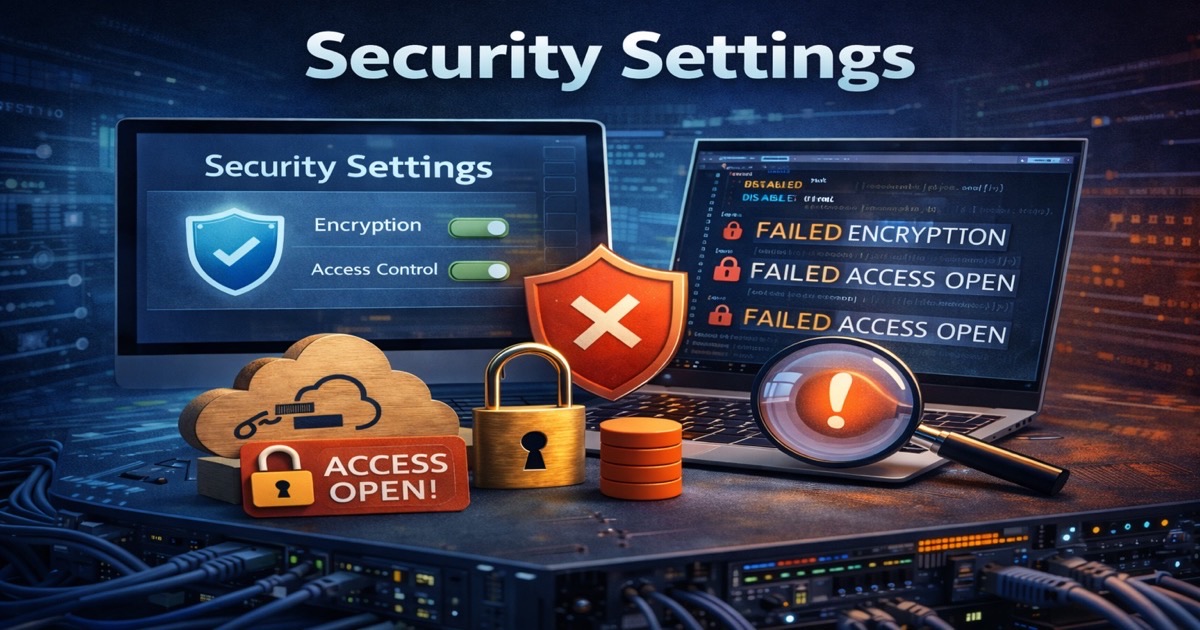
Cloud-Native Application Protection Platform (CNAPP) is a unified security platform that combines multiple cloud security capabilities - including CSPM, CWPP, CIEM, IaC scanning, and container security - into a single integrated solution. Coined by Gartner, the CNAPP category represents the convergence of previously siloed cloud security tools, providing end-to-end protection from infrastructure configuration to application runtime.
Before CNAPP, security teams juggled separate tools for posture management, workload protection, identity governance, and vulnerability scanning. Each tool had its own dashboard, alert format, and policy engine. CNAPP consolidates these into one platform with shared context, correlated findings, and unified policy enforcement.
What Does CNAPP Include?
A comprehensive CNAPP platform typically integrates the following capabilities:
- CSPM (Cloud Security Posture Management) - Continuously monitors cloud infrastructure configurations across AWS, Azure, and GCP. Detects misconfigurations such as public storage buckets, overly permissive security groups, and missing encryption. CSPM is the foundational layer of any CNAPP.
- CWPP (Cloud Workload Protection Platform) - Protects running workloads including virtual machines, containers, and serverless functions. Provides runtime threat detection, vulnerability scanning, and behavioral monitoring at the workload level.
- CIEM (Cloud Infrastructure Entitlement Management) - Analyzes identities, permissions, and entitlements across cloud environments. Detects overly permissive roles, unused credentials, and privilege escalation paths to enforce least privilege access.
- IaC Scanning (Infrastructure as Code Security) - Scans Terraform, CloudFormation, Bicep, and other IaC templates before deployment. Catches misconfigurations in code before they ever reach production, enabling true shift-left security.
- Container Security - Scans container images for vulnerabilities, malware, and embedded secrets. Monitors container registries and enforces policies on what can be deployed into Kubernetes clusters.
- API Security - Discovers and monitors APIs exposed by cloud-native applications. Identifies authentication weaknesses, data exposure risks, and anomalous API usage patterns.
Why CNAPP Emerged
The CNAPP category didn't appear overnight. It emerged from a very real problem: tool sprawl.
As organizations migrated to the cloud, they acquired separate tools for each security function. One vendor for CSPM, another for container scanning, a third for workload protection, and yet another for identity governance. Each tool operated independently, creating blind spots where the tools didn't overlap and alert fatigue where they did.
In 2021, Gartner published its vision for CNAPP, arguing that cloud security required a platform approach rather than a collection of point solutions. The logic was straightforward: cloud-native applications span infrastructure, workloads, identities, and code - so the security platform should too.
CNAPP also represents the convergence of two previously separate movements. Shift-left security pushed scanning earlier into the development pipeline, catching issues in IaC templates and container images before deployment. Runtime protection focused on detecting threats in production. CNAPP bridges both, providing security coverage from code commit to runtime execution.
CNAPP vs Standalone Tools
When CNAPP Makes Sense
CNAPP is typically the right choice for organizations that operate at scale across multiple cloud providers, have mature DevOps practices, and want a single pane of glass for cloud security. If your security team is spending more time switching between dashboards than actually remediating findings, a CNAPP can consolidate operations.
Large enterprises with multi-cloud deployments benefit most. When you have workloads in AWS, identities in Azure AD, and infrastructure defined in Terraform, a CNAPP provides the cross-cutting visibility that standalone tools simply cannot match.
When Standalone CSPM Is Better
Not every organization needs a full CNAPP. If your primary concern is cloud misconfiguration - and statistically, it should be - a focused CSPM solution may deliver better depth and faster time-to-value than a broad CNAPP platform.
Smaller organizations, those operating primarily within a single cloud ecosystem like Microsoft Azure, or teams with a specific compliance mandate often get more value from a specialized CSPM that goes deep rather than a CNAPP that goes wide. The quality of individual components in a CNAPP varies, and a best-of-breed CSPM will typically outperform the CSPM module inside a CNAPP.
How CSPM Fits Within CNAPP
CSPM is the foundational component of any CNAPP platform. Without strong posture management, the rest of the stack is built on an unstable base. Misconfigurations remain the number one cause of cloud breaches, which means the effectiveness of your entire CNAPP depends heavily on the quality of its CSPM capabilities.
A CNAPP with shallow CSPM coverage - one that checks a few hundred rules across basic services - will miss the nuanced configuration risks that actually lead to breaches. Deep CSPM should cover identity configurations, network security groups, encryption settings, logging configurations, and compliance mappings across every major cloud service.
This is exactly why SecValley built its CSPM platform with depth-first coverage across Microsoft Azure, Entra ID, and Microsoft 365. Whether used standalone or as part of a broader security architecture, the CSPM layer needs to be thorough enough to catch what matters - not just what's easy to check.