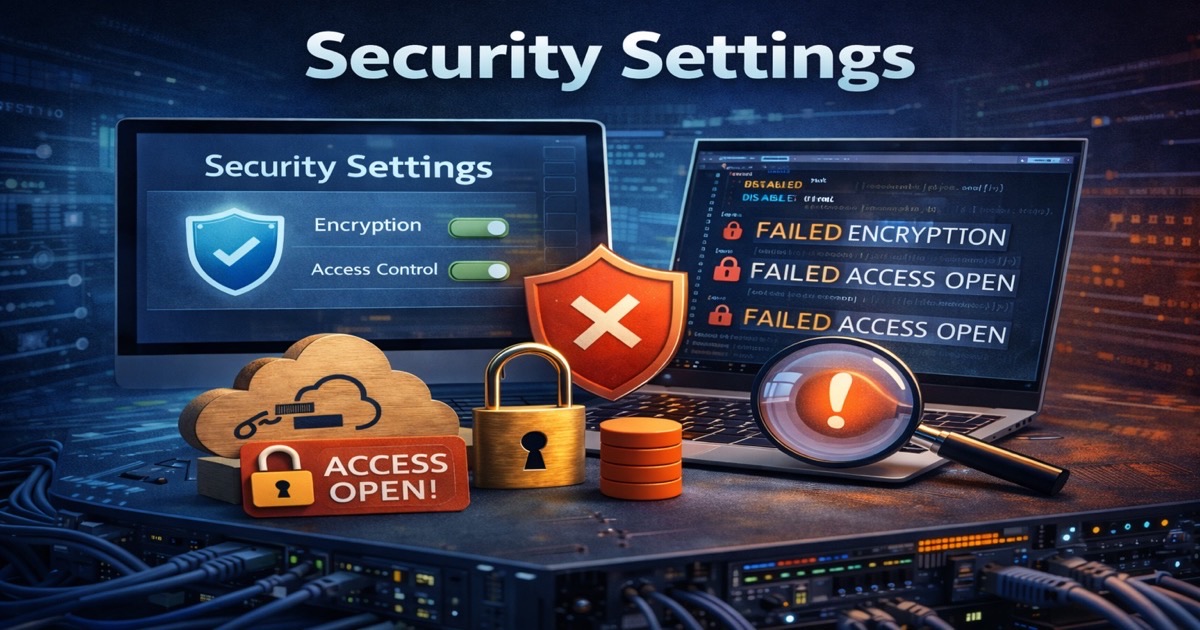
Azure Storage accounts are where the data actually lives: backups, exports, logs, customer files, the database dumps someone swore they would delete. When a storage account drifts, attackers stop probing your network and start downloading your data directly over HTTPS. These six patterns show up in almost every subscription we audit.
1. Anonymous Blob Public Access Left On
Older accounts ship with public blob access allowed at the account level, and that single setting lets any container be flipped to anonymous with no authentication at all. Attackers do not guess your account name, they enumerate it: tooling sprays common naming patterns against blob.core.windows.net, then walks the container listing to pull every file inside. Disable public access at the account level first, then audit individual containers, because the account-level switch overrides anything a container set on its own.
2. Account Keys Instead of Entra ID Auth
Shared keys are the master password for the entire account, and they end up everywhere: app settings, pipeline variables, a Slack message from 2023. There is no per-user attribution, no expiry, and rotating one key breaks every service that quietly hard-coded it. Disable shared key access and move to Entra ID auth with data-plane roles like Storage Blob Data Reader and Storage Blob Data Contributor, so every read and write is tied to an identity you can actually revoke.
3. SAS Tokens With No Expiry or Broad Scope
A Shared Access Signature is convenient until you find a ten-year account SAS granting full read and write, no IP restriction, sitting in a public repo. Account SAS tokens are signed with the account key, so they inherit its entire blast radius and cannot be revoked short of rotating the key. Use user delegation SAS signed with Entra ID credentials, set lifetimes in hours rather than months, and bind tokens to stored access policies so you can pull them back without touching the key.
4. Public Network Access With No Firewall
If public network access is on and the default network rule is set to allow all, the data plane is reachable from any IP on the internet, and the only thing between an attacker and your blobs is a credential or a leaked SAS. Set the default network action to deny, then allow only the specific VNets and IP ranges that need in. For accounts holding sensitive data, add a private endpoint so traffic never crosses the public internet in the first place.
5. Soft Delete and Immutability Off
With soft delete and versioning disabled, a deleted blob is gone, and ransomware that encrypts or wipes a container leaves you no recovery path. Versioning and blob soft delete give you a rollback window, and immutability policies make critical data physically unalterable for a set retention period. That last one matters beyond ransomware: immutable, WORM-protected backups are increasingly required as evidence for cyber-insurance coverage, so turning them on is both a recovery control and a compliance asset.
6. Diagnostic Logs Going Nowhere
By default, storage accounts do not log data-plane operations, which means read, write, and delete events on your blobs are invisible. If an attacker pulls ten thousand objects, you have nothing to detect it and nothing to investigate afterward. Send the StorageRead, StorageWrite, and StorageDelete categories to a Log Analytics workspace with sensible retention, and alert on bulk reads and off-hours access.
Why It Keeps Happening
Storage accounts get created in a hurry, often by a pipeline or a developer who just needs somewhere to drop a file, and the defaults are convenient rather than safe. Nobody owns the long-term posture of an account spun up for a one-off job two years ago, so the exposure just sits there until someone finds it. SecValley flags all six patterns across its 1000+ controls so you catch them before an incident does. A storage account is only as safe as the configuration around it.