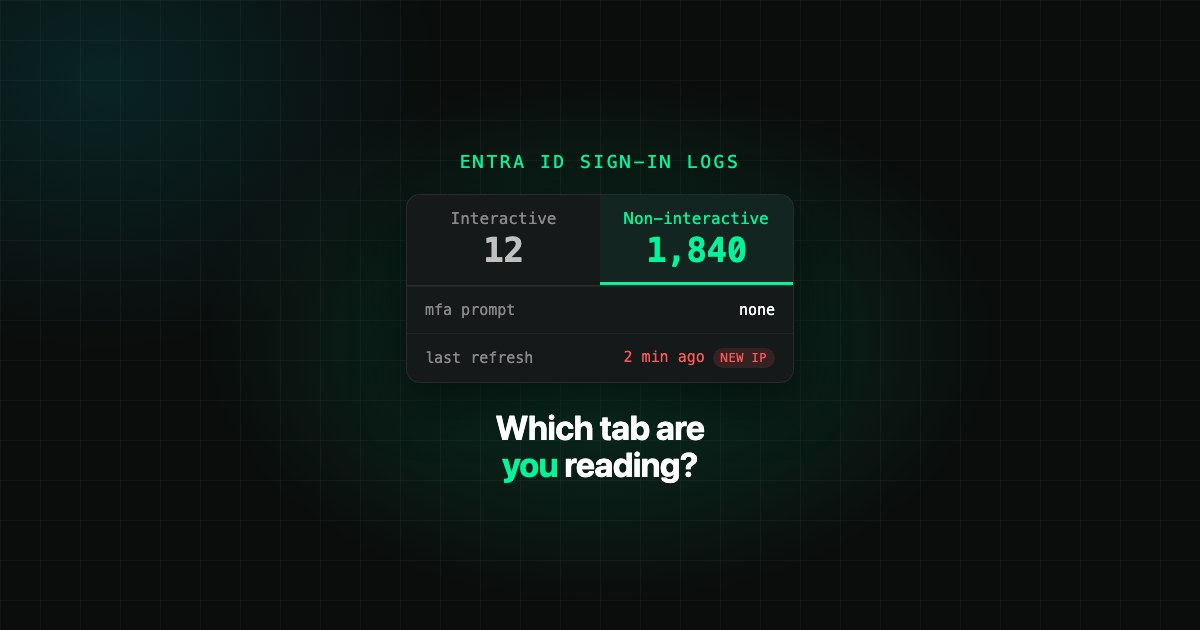
An interactive sign-in in Microsoft Entra ID is one where the person does something: types a password, approves a push, taps a security key. A non-interactive sign-in is one a client app or the operating system performs on the user's behalf, usually by redeeming a refresh token, with no prompt and no factor. Both are real authentication events. Only the first one is on the tab the admin center opens by default, and only the second one is where a stolen token looks normal.
Interactive vs non-interactive sign-ins: the short version
| Interactive sign-in | Non-interactive sign-in | |
|---|---|---|
| Who authenticates | The user, actively | A client or OS component, on behalf of the user |
| Factor presented | Password, MFA, passkey, certificate | None. An existing token is exchanged for a new one |
| Typical trigger | Login screen, MFA prompt, device code | Refresh token redeemed, SSO into the next app, Office app sharing a session (FOCI), background mail sync |
| Where it shows | Sign-in logs, Interactive tab (default) | Sign-in logs, Non-interactive tab |
| Volume | Low | High. Identical events are grouped into one row with a "# sign-ins" count |
| Graph field on the user | lastSignInDateTime |
lastNonInteractiveSignInDateTime |
Microsoft's own definition is plain: non-interactive sign-ins "were performed by a client app or OS components on behalf of a user and don't require the user to provide an authentication factor." Since April 2025, a refresh token obtained with a FIDO2 key also lands in the non-interactive log. The legacy sign-in log view shows interactive sign-ins only.
What does "last non-interactive sign-in" actually mean?
Every user object carries a signInActivity block with three timestamps, and people read them wrong constantly:
- lastSignInDateTime is the last interactive sign-in attempt. Failed attempts count. A user whose password is being sprayed has a fresh value here without ever logging in.
- lastNonInteractiveSignInDateTime is the last time a client tried, successfully or not, to sign in on the user's behalf. A phone that keeps syncing a mailbox updates this every day while the person is on leave.
- lastSuccessfulSignInDateTime is the last successful sign-in of either kind. This is the one that answers "was this account really used." It only exists from December 2023 onward and is not backfilled.
The practical reading: an account with no interactive sign-in for 90 days and a non-interactive sign-in from yesterday is active. Something still holds a valid token for it. That something is a mail client, a sync agent, or the person who stole the token. Inactive-user cleanups that look only at the interactive date disable the wrong accounts and keep the live ones.
Why the non-interactive tab is where attackers hide
A session token stolen through adversary-in-the-middle phishing already carries a satisfied MFA claim. When the attacker replays it, Entra ID records a non-interactive sign-in, because from the platform's point of view an existing token is simply being refreshed. No failed login, no new MFA challenge, nothing on the interactive tab. We covered the mechanism in Non-Interactive Sign-Ins: The Entra ID Blind Spot Where Token Theft Hides.
Two log behaviours make it worse:
- Grouping. Non-interactive events with the same user, app, IP, status and resource collapse into one row. The 1-hour, 6-hour and 24-hour "time aggregate" filter decides how much detail you see. One malicious refresh from a new IP is its own row, but you have to be looking at that tab, at that resolution.
- IP address. For confidential clients, the IP on a non-interactive sign-in is the one from the original token issuance, not where the refresh request came from. A clean-looking IP is not proof the request came from the user's device.
Four checks worth doing this week
- Compare both dates per user. Pull
signInActivityfor all users and list anyone whose non-interactive date is newer than their interactive date by more than 30 days. Decide which of those are legitimate background clients. - Open the Non-interactive tab with the aggregate set to 1 hour and filter to the last 24 hours and an unfamiliar country or ASN. That is impossible travel at the token layer.
- Make sure Conditional Access still gets a vote on refresh. Sign-in frequency, token protection and Continuous Access Evaluation are the controls that interrupt a replayed token. Block the device code flow while you are there.
- Export the logs. The portal keeps 7 days on the free tier and 30 on P1 and P2. Token theft is usually noticed later than that.
How SecValley reads it
The SecValley Entra ID scan reads signInActivity for every user in the tenant, both the interactive and the non-interactive timestamp, and treats the most recent of the two as the account's last activity. Those dates feed the Sign-in Activity page, where each user's last attempt is shown with its location, application and client, and the user drawer tags the event as "Non-interactive" when it was. Alongside, the Conditional Access controls check that token protection is enabled, that session controls exist, and that the device code flow is blocked, and the sign-in log controls flag impossible travel and legacy authentication. A privileged account whose only sign-ins in 90 days were non-interactive is treated as a service-like account and checked for an interactive-sign-in block. Every result is a dated finding, so the account that quietly started refreshing tokens from a new place shows up as a change, not as something you hope someone remembered to look for.
Frequently Asked Questions
Does a non-interactive sign-in trigger MFA?
No. The MFA requirement was satisfied at the interactive sign-in and the resulting token carries that claim. A non-interactive sign-in redeems the token without a prompt. Conditional Access is still evaluated when the token is refreshed, which is why sign-in frequency, token protection and Continuous Access Evaluation are the controls that can stop a replayed token.
Is a non-interactive sign-in a security risk?
Not by itself. Most of them are mail clients syncing, single sign-on between Office apps, and routine token refreshes. The risk is that a replayed stolen token produces exactly the same kind of event, so a tenant that never reviews the non-interactive log cannot tell the two apart.
Which field should an inactive-user report use?
lastSuccessfulSignInDateTime when it is present, because it covers both kinds of sign-in and ignores failed attempts. Before December 2023 it is empty, so fall back to the later of the interactive and non-interactive dates.