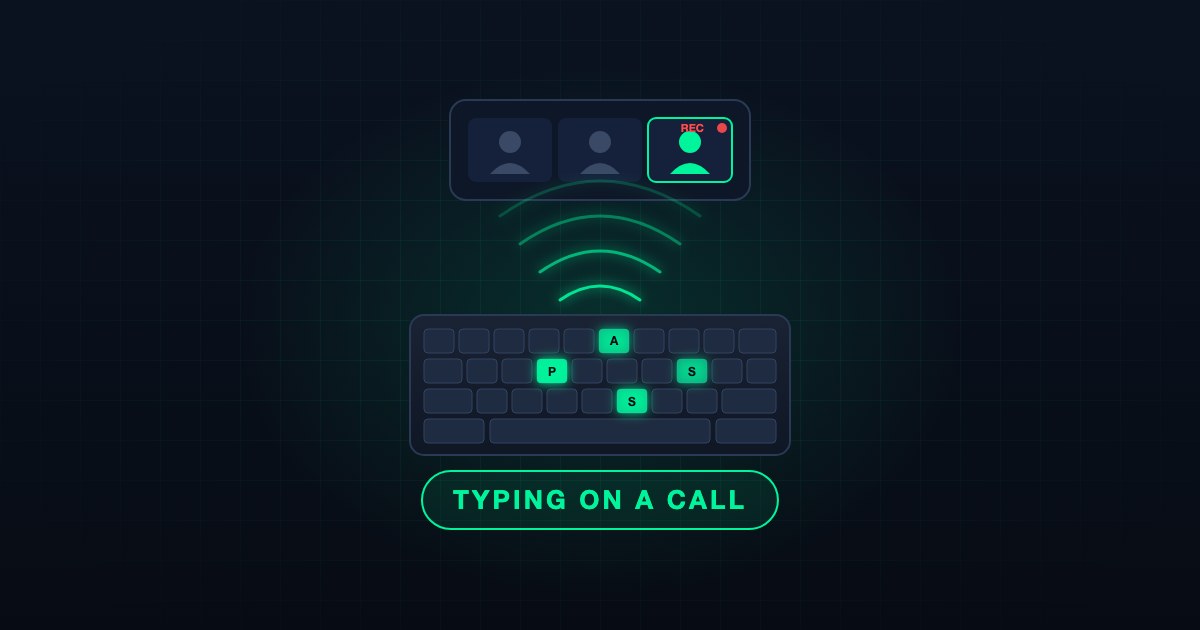
A headline has been making the rounds: video calls can "hear" what you type. It is true, with one correction that changes who you should worry about.
Anyone on your video call can read what you type. A participant who records the audio they receive can run it through a model later and read back a good share of what you typed while your microphone was open. The research behind this is public, the tooling is cheap, and the newest version needs no training data from your keyboard.
What the research measured
The first study came out of Durham University, the University of Surrey and Royal Holloway in August 2023. The team recorded 36 keys on a 2021 MacBook Pro, 25 presses each, and trained an image classifier on the spectrograms. A phone lying 17 centimetres from the laptop gave 95 percent accuracy. A Zoom recording of the same keyboard, with Zoom's noise suppression set to its lowest level, gave 93 percent. The catch was that the attacker needed labelled samples from the target keyboard first.
The second study removed that catch. In July 2026 researchers at Tohoku University published a self-supervised attack: no labelled data, no malware on the victim's machine, only audio. The method clusters the keystroke sounds, lets a language model guess which cluster is which letter, and refines the guess over several rounds. On four laptops from Dell, Apple, HP and Lenovo, a nearby phone reached a mean Levenshtein score of 0.941 after 150 keystrokes. That score is roughly the fraction of characters the attacker got right.
The part that matters for remote work is the section on online meetings. The researchers typed on the victim laptop while a second participant sat in the same Google Meet, Microsoft Teams or Zoom call and recorded the received audio. With noise suppression turned off in the meeting software, the attack reached a score of about 0.9 or higher after 200 to 250 keystrokes on most of the laptops. One Lenovo laptop on Google Meet needed more. A contact microphone three metres away on the same desk, or pressed against the wall of the next room, landed in the same range with 150 to 250 keystrokes.
The alphabet in the main experiments was small: lowercase letters, space, comma and period. An extension handled Shift and Backspace. Random passwords with mixed case and symbols are harder than English sentences, because the language model has less to work with. Plain-English messages, usernames and anything word-like are the easy case.
Why "noise suppression off" is not a corner case
The Tohoku paper makes this point itself. Keystroke-oriented suppression is often tied to a product tier. Google Meet separates device-based and cloud-based noise cancellation, and availability depends on the device and the Workspace configuration. Some users switch suppression off because it clips their voice or their music. Some clients default to a middle setting that still passes a clear click.
In Teams, noise suppression is a per-user setting under Settings > Devices with Auto, High, Low and Off. The only admin-side policy we found controls suppression for dial-in participants, not for desktop clients. In Zoom, Suppress background noise has Auto, Low, Medium and High, and the 2023 result was measured on the lowest level. Zoom's managed deployment packages include a key for this setting, and Zoom community reports say that when it is set under the policy key users cannot change it.
So the realistic question is not "is suppression available" but "is it on, at the strong level, on every laptop in the company". For most tenants nobody knows.
What actually leaks
Think about what people type during a call with their microphone open:
- A password, because a login prompt appeared while they were sharing their screen.
- A six-digit MFA code from an authenticator app.
- A Slack or Teams message about the person who is talking.
- Notes, ticket numbers, customer names, a URL with a token in it.
Only the audio is needed. End-to-end encryption does not help, because the attacker is a legitimate participant receiving the decrypted audio like everyone else. A cloud recording does not help either; it is one more copy of the same sound.
What to change as a user
- Mute while you type. Push-to-talk is the easiest habit: the key is held only when you speak.
- Set noise suppression to High in Teams (Settings > Devices) and in Zoom (Settings > Audio > Suppress background noise). Auto is not the strongest setting.
- Use an external microphone or headset and keep it off the typing surface. A soft desk mat helps with the vibration path.
- Do not type a password on a call. A passkey, Windows Hello or a FIDO2 key is never typed, so it cannot be heard. A password manager that autofills is the next best thing.
- Treat cafés, trains and lounges the way the paper does: assume a phone within arm's reach is listening.
What to change as an admin
- Push the strongest suppression level through your managed deployment where the client supports it, and check the dial-in setting in the Teams meeting policy.
- Move admins and then everyone else to phishing-resistant MFA. The point is the same one that defeats phishing kits: a credential that is never typed cannot be captured, by a proxy or by a microphone.
- Control who can be in the room. Anonymous join and a bypassed lobby mean an unknown participant can sit in a meeting and record it.
- Add "mute while typing" to the next security awareness round. It is a one-line habit with a measurable payoff.
SecValley's Entra ID and Microsoft 365 scans cover the controls that matter here: whether FIDO2 security keys and Windows Hello for Business are enabled, whether admin roles require phishing-resistant MFA, whether anonymous users can join Teams meetings and whether the lobby is enforced. There is no setting that turns a keyboard silent, so the practical defence is to make the things worth hearing disappear from the keyboard.
Frequently Asked Questions
Is this happening in the wild?
We found no public incident. Both papers are academic research. The 2026 method needs only a laptop, the received audio and a few hundred keystrokes, so the cost of trying it is low.
Does a quiet or mechanical keyboard change the result?
The 2023 study worked on a MacBook Pro, which is a quiet keyboard, and the authors did not expect dampeners or membrane keyboards to help much. Touch typing lowered recognition in earlier work but did not remove it.
Does end-to-end encryption protect me?
No. The attacker is on the call and receives the same decrypted audio as every other participant.
What is the single most effective step?
Stop typing secrets while the microphone is open. For passwords, replace them with passkeys or a security key so there is nothing to type.
Sources
- A Practical Deep Learning-Based Acoustic Side Channel Attack on Keyboards, Harrison, Toreini and Mehrnezhad, August 2023.
- New acoustic attack steals data from keystrokes with 95% accuracy, BleepingComputer, August 2023.
- Transforming Keystroke Noise to Text: Self-Supervised Acoustic Eavesdropping Attacks on Keyboards, Okada, Ito, Ueno, Hayashi and Homma, Tohoku University, July 2026.
- New AI attack can reconstruct typed text from keyboard sounds, CyberInsider, July 2026.
- Zoom on the Keystrokes: Exploiting Video Calls for Keystroke Inference Attacks, Sabra, Maiti and Jadliwala, 2020, the video-based cousin of this attack.