A password reset did not remove the attacker. On November 18, 2026, Google Threat Intelligence Group and Mandiant published two case studies on Cold Relic, a Russian espionage group. In the first, the group signed in as a Google Workspace Super Admin and stayed for several months, using passkeys, backup codes and MFA devices it had enrolled itself. Source
Prefer to watch? The two-minute video above covers the same story.
Who is Cold Relic?
Cold Relic is Google's current name for the group it used to track as COLDRIVER and UNC4057. Others call it Star Blizzard, Callisto or Gossamer Bear. Google describes it as a Russian state-sponsored group that the US Department of Justice has assessed operates within Russia's Federal Security Service (FSB).
What happened in the two cases?
| Case 1 (late 2025) | Case 2 (2026) | |
|---|---|---|
| Victim | A US-based organization | A second US-based organization |
| Way in | Stolen Super Admin credentials plus an MFA push fatigue attack | Phishing links that stole the credentials of a Microsoft Entra ID user account |
| Platform | Google Workspace | Entra ID as the federated SSO provider for Google Workspace |
| Staying in | Passkeys, MFA backup codes, rogue MFA devices | A new MFA device registered in the SSO solution |
| Taken | Shared drive content, employee lists, inboxes synced to outside mail clients; a domain-wide export was started | Bulk download of the user's cloud drive |
In Case 1 the sign-in came through a US residential proxy network located close to the victim. Once inside the Admin console, the group queried the security investigation tool and email audit logs to see what defenders could see, and viewed, modified and deleted Alert Center notifications to remove forensic evidence of the intrusion. It shared the cloud drive with an account it controlled, started a Customer Takeout export, and synced inboxes to outside mail clients over OAuth.
In Case 2 the group posed as an employee of the first victim on a secure messaging app, then sent phishing links built to steal Entra ID credentials and authentication tokens. Google does not say single sign-on was broken. The attacker signed in with the stolen credentials and registered its own MFA device.
Why did a password reset not work?
Google's finding is the core of the story: attacker-enrolled passkeys "persisted across password and session resets and bypassed device registration controls".
A passkey is a sign-in method of its own. Changing the password does not delete it. The same is true for backup codes, an extra authenticator device and an OAuth grant to a mail client. If incident response stops at "password changed, sessions signed out", every one of those is still there.
What should you check today?
This list is SecValley guidance built on Google's recommendations.
- List the sign-in methods on every admin account. Passkeys, security keys, authenticator devices and backup codes. Remove anything the owner cannot explain.
- Search the Workspace audit logs for the events Google names:
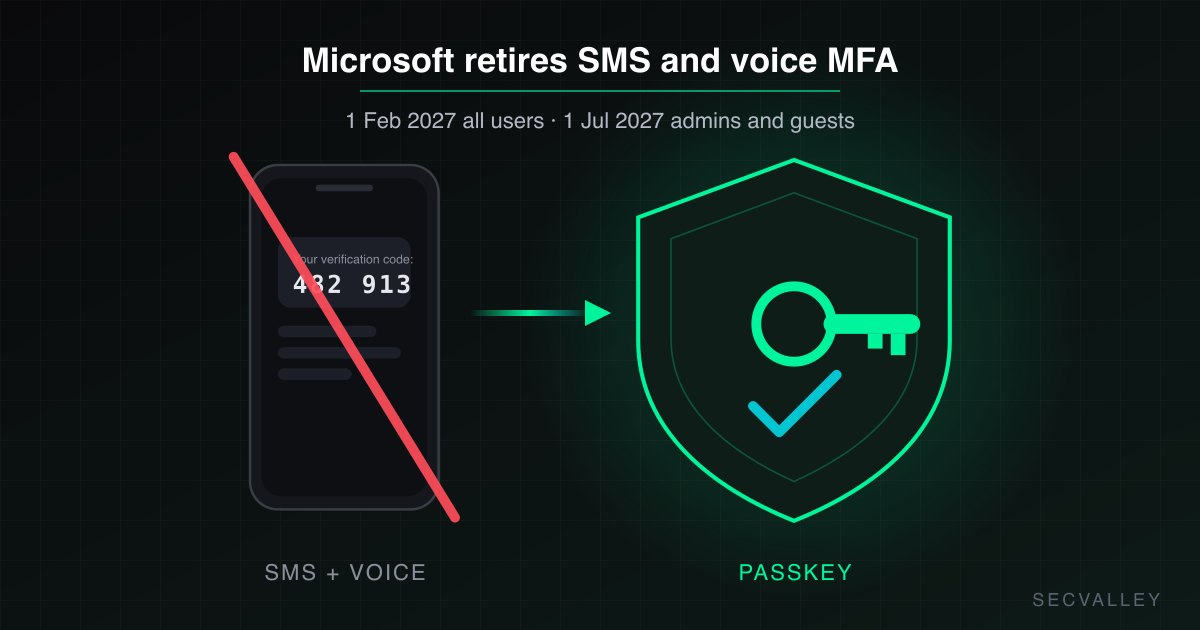
Passkey enrolled,Device Registered,Customer Takeout Created,User List Download,Batch Delete Operation Performed, and a login challenge type ofBackup code. - Move admins off push approvals. Google recommends phishing-resistant MFA (FIDO2 / WebAuthn) instead of SMS, voice or push.
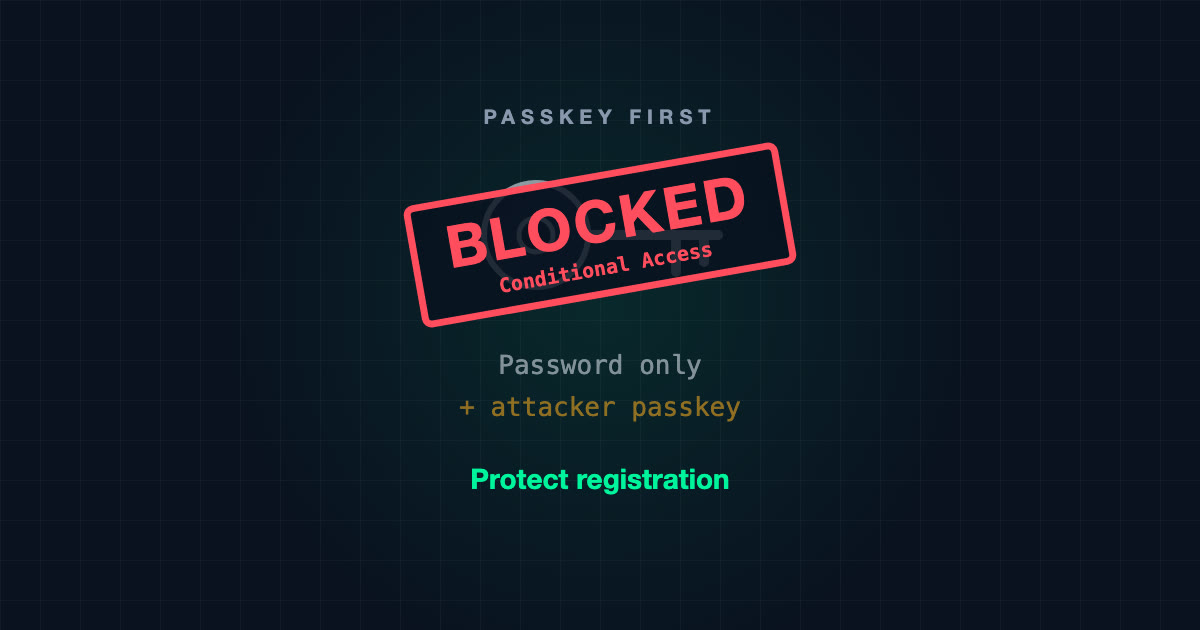
- Gate new MFA devices. Google recommends that an existing administrator or an out-of-band identity check approves a new MFA device or passkey. In Entra ID, a Conditional Access policy on the Register security information action limits the conditions under which a new method can be registered. See our guide on locking down passkey registration.
- Rewrite the compromise playbook. A reset must also revoke sessions, refresh tokens and third-party OAuth grants in both Google Workspace and Entra ID, and remove unknown passkeys, backup codes and MFA devices.
For an Entra ID account, these Microsoft Graph PowerShell commands list the registered methods and revoke the sessions:
Get-MgUserAuthenticationMethod -UserId user@contoso.com
Revoke-MgUserSignInSession -UserId user@contoso.com
How SecValley checks it
SecValley scans both sides of this attack path and keeps each result as evidence.
| Platform | Control | What it checks |
|---|---|---|
| Google Workspace | GWS-ADM-003 | Every super admin has 2-Step Verification enforced |
| Google Workspace | GWS-ADM-001 | No more than four super admin accounts exist |
| Google Workspace | GWS-APP-001 | Third-party apps do not hold full Gmail access |
| Google Workspace | GWS-ACT-004 | No account compromise alert is left unread |
| Entra ID | AM-006 | Authenticator number matching is on (MFA fatigue protection) |
| Entra ID | SE-003 | A Conditional Access policy requires a phishing-resistant authentication strength |
These controls measure configuration. They do not replace the log searches above.
Frequently Asked Questions
What is Cold Relic?
Cold Relic is a Russian state-sponsored espionage group, formerly tracked by Google as COLDRIVER and UNC4057 and also known as Star Blizzard and Callisto. Google has tracked it since 2015.
Did Cold Relic bypass MFA?
Not with an exploit. In the first case the group had the Super Admin password and sent MFA push notifications until one was approved. After that it enrolled its own passkeys and MFA devices.
Does changing the password remove an attacker passkey?
No. Google reports that the attacker-enrolled passkeys persisted across password and session resets. The passkey has to be removed from the account.
Are passkeys unsafe?
No. Google still recommends phishing-resistant MFA such as FIDO2. The weak point was who was allowed to enroll a new passkey, and that nobody reviewed the enrollment.