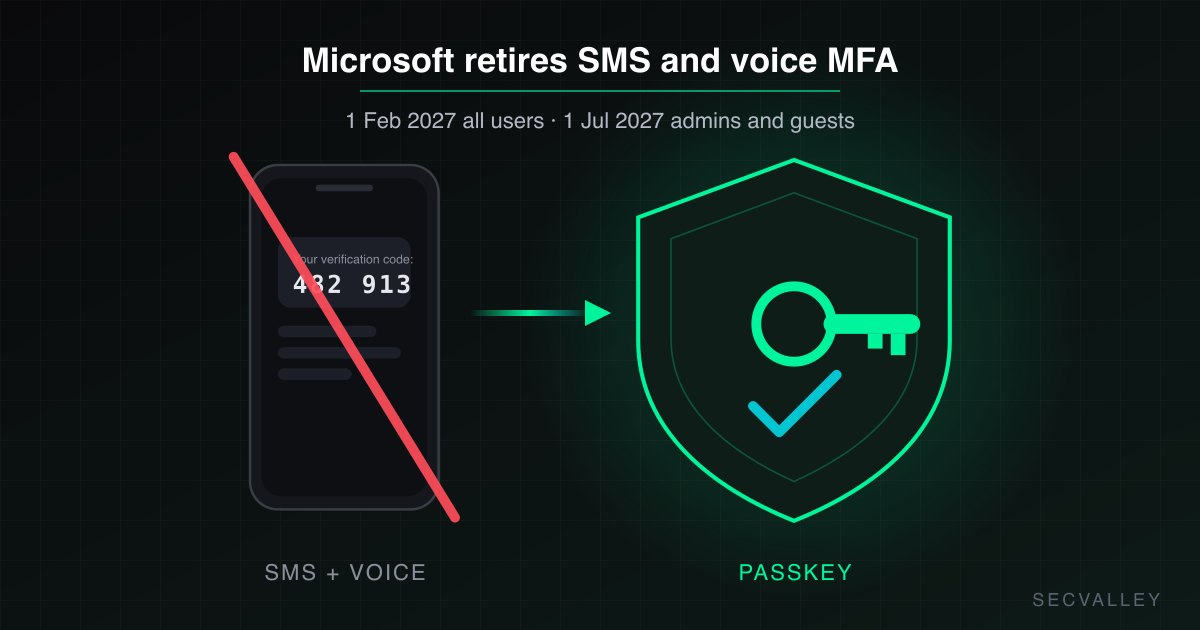
Microsoft Entra ID is changing how users set up their first MFA method. A user with no MFA method can now register a passkey straight away, without first adding a phone number (Message Center MC1450133). That is good for users. It also means that anyone who knows the password of an account that never finished MFA setup can register their own passkey on it, unless a Conditional Access policy protects the "Register security information" action. Microsoft requires no admin action for the rollout and recommends reviewing those policies. Do it now: the first phase is already rolling out.
What changes and when
| Phase | First methods users can register | Timing |
|---|---|---|
| 1 | Synced passkeys, Entra passkeys on Windows, FIDO2 security keys | Started early November 2026, expected to finish early January 2027 |
| 2 | Windows Hello for Business, macOS Platform SSO, Microsoft Authenticator passkey or passwordless sign-in | Through late February 2027 |
The change applies to Worldwide and GCC tenants. Tenants on security defaults see updated registration prompts in January and February 2027. Source
Why the registration gap matters now
Microsoft's combined registration rules ask for MFA before a user can manage security info only if that user has already registered an MFA method. Source An account with no method has nothing to prove, so a password opens the registration page.
That gap is not new. An attacker with a password could already add their own Authenticator app or phone number. What changes is the credential they walk away with. A passkey is phishing-resistant, it is accepted by the built-in Phishing-resistant MFA authentication strength, and it keeps working after you reset the password. Jan Bakker shows the same: without a Conditional Access policy on security info registration, "an attacker could still register a passkey with just a plain password". Source
Accounts most exposed: new hires who have not signed in yet, users who skipped the registration prompt, and accounts left out of MFA rollout.
Find accounts with no MFA method
Connect-MgGraph -Scopes AuditLog.Read.All
Get-MgReportAuthenticationMethodUserRegistrationDetail -All -Filter "isMfaRegistered eq false" |
  Select-Object UserPrincipalName, UserType, IsAdmin
The same report is available in Graph at /reports/authenticationMethods/userRegistrationDetails. The signed-in user needs Reports Reader, Security Reader, Security Administrator or Global Reader. Source Every account in that list can register its first passkey today. Admins in the list come first.
Protect "Register security information" with Conditional Access
Create a policy with Target resources > User actions > Register security information, assigned to all users. Pick the grant that fits your estate:
- Require a compliant or hybrid joined device. Strongest option and the CIS Microsoft 365 benchmark setting (5.2.2.10). An attacker's own laptop cannot register anything. It blocks registration from personal devices.
- Require a custom authentication strength that allows only Temporary Access Pass and phishing-resistant methods. The helpdesk hands each new user a Temporary Access Pass for their first registration. Keep this strength dedicated to the registration policy.
- Require MFA outside trusted locations. Microsoft's template: include any location, exclude all trusted locations. On its own it trusts anyone on your network, so combine it with option 1 or 2 where you can. Source
For every option:
- Exclude break-glass accounts. Microsoft's template also excludes guests and covers them with a separate policy, because Temporary Access Pass does not work for guests.
- Start in Report-only and read the sign-in logs before you enforce.
- Test device onboarding. Since July 2026, policies scoped to Register security information also apply to Windows Hello for Business and macOS Platform SSO registration (MC1326253). Source
How SecValley checks it
The SecValley Microsoft 365 scan evaluates control CA-009 Managed Device for Security Info Registration, which follows CIS 5.2.2.10. It passes when an enabled policy for all users requires a compliant or hybrid joined device for Register security information and nothing else can satisfy the grant. A policy limited to some users is a warning. A policy that can be met without a managed device, for example MFA OR compliant device, fails. If you choose option 2, CA-009 reports it as not meeting the CIS setting.
The Entra ID scan adds two related checks. DA-005 No Suspicious MFA Method Swaps flags a security info method deleted and another registered within 3 hours, the persistence pattern on accounts that already had MFA. AM-013 Users Dependent on SMS or Voice Only lists phone-only users ahead of the SMS and voice MFA retirement, the same users who will be moving to passkeys. For other policy gaps, see Conditional Access Misconfigurations.
Frequently Asked Questions
Do admins need to do anything for passkey-first registration?
Microsoft says no admin action is required, the change rolls out automatically. It recommends reviewing Conditional Access policies for security info registration, considering a requirement for MFA to register, and updating onboarding guidance for new users.
Can a user register a passkey with only a password?
Yes, if the account has no MFA method and no Conditional Access policy covers Register security information. With a policy in place, the user must meet its grant first, for example a compliant device or a Temporary Access Pass.
Does a security info registration policy affect Windows Hello for Business?
Yes. Since the July 2026 rollout of MC1326253, Conditional Access policies scoped to Register security information also apply to Windows Hello for Business and macOS Platform SSO registration. Tenants without such a policy are not affected.