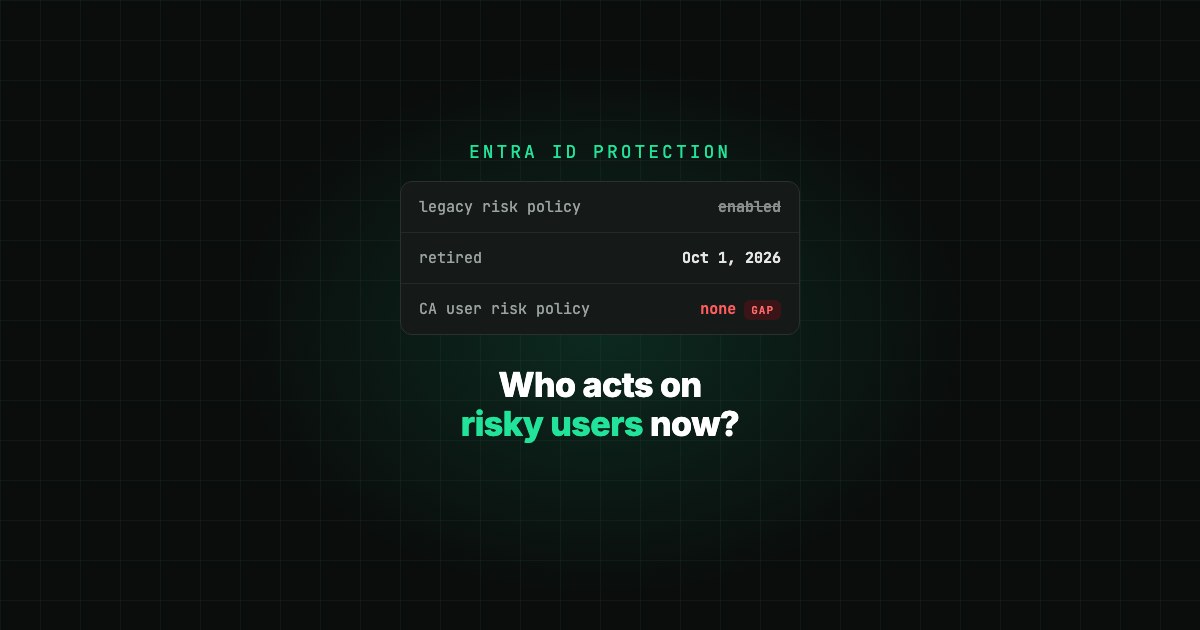
When Microsoft finds a security issue that affects your tenant, it has to email someone. Its own guidance says those notices go to Global Admins, Technical Contacts and Security Admins. The technical contact is a field most tenants filled in once, years ago, with whoever set the tenant up. If that person left, or if the field is empty, a Microsoft security notice can land in a mailbox nobody reads.
Who does Microsoft notify about a tenant security issue?
Microsoft's Azure Service Health guidance separates two cases. For subscription workloads, notices go to the subscription admins or owners. For issues at the tenant level, Microsoft writes: "We send notifications to Global Admins, Technical Contacts, and Security Admins." Source
The same page asks you to make sure there is a contactable email address for each of those roles. Two of the three are role assignments you probably review already. The third is a plain text field on the tenant profile, and almost nobody reviews it.
| Recipient | Where it comes from | Usually reviewed? |
|---|---|---|
| Global Admins | Role assignment | Yes, in access reviews |
| Security Admins | Role assignment | Yes, in access reviews |
| Technical contact | Free text on the tenant profile | Rarely |
Where the technical contact lives
In the Microsoft Entra admin center, go to Entra ID > Overview > Properties. Microsoft documents the Technical contact field there as "the person to contact for technical support within your organization." You need at least the Billing Administrator role to change it. Source
The same page holds the Global privacy contact, a separate field that Microsoft uses for data breach notices about Entra services. If it is empty, Microsoft contacts the Global Administrators instead. It is worth checking while you are on the page, but it is not the field this post is about.
Through Microsoft Graph, the tenant's organization object carries two contact lists, technicalNotificationMails and securityComplianceNotificationMails. Both are string collections. Source To read them:
Connect-MgGraph -Scopes "Organization.Read.All"
Get-MgOrganization | Select-Object TechnicalNotificationMails, SecurityComplianceNotificationMails
Three ways this goes wrong
- The list is empty. Nobody set it, so the tenant-level notice has one fewer place to land.
- It is one admin's own mailbox. The notice reaches one person. When that person changes jobs, goes on leave or has the account disabled, the notices stop and nobody notices that they stopped.
- It names a privileged account. A contact address that equals a Global Administrator's sign-in name tells anyone who learns it exactly which account to phish. A shared address gives away nothing about who holds admin rights.
The fix is the same for all three: a monitored shared mailbox or distribution list, owned by the security or IT team, read by at least two people, and not the personal mailbox of any admin.
How to fix it
Create the address. For example
security-notices@yourdomain.com, as a distribution list or shared mailbox with at least two members.Set it in the admin center. Entra ID > Overview > Properties > Technical contact, then Save.
Or set both lists through Graph:
Connect-MgGraph -Scopes "Organization.ReadWrite.All"
$orgId = (Get-MgOrganization).Id
Update-MgOrganization -OrganizationId $orgId -BodyParameter @{
  technicalNotificationMails = @("security-notices@yourdomain.com")
  securityComplianceNotificationMails = @("security-notices@yourdomain.com")
}
Read it back with the
Get-MgOrganizationline above.Put it in your offboarding checklist. The day an admin leaves, check that no tenant contact still points at their mailbox. For the accounts that must never depend on one person, see Break Glass Accounts.
How SecValley checks it
The SecValley Microsoft 365 scan reads both contact lists from the Graph organization object, plus the members of seven privileged directory roles: Global, Privileged Role, Privileged Authentication, Security, Exchange, SharePoint and User Administrator. It evaluates control ID-024 Tenant Notification Contacts Configured:
- An empty technical contact list fails the control.
- A contact address that equals the sign-in name or mail address of a member of one of those roles gets a warning.
- An empty security and compliance list is shown in the result details, but does not fail the control on its own.
One detail matters for trust in the result. The warning depends on knowing who the admins are. If the scan cannot read the members of a privileged role, for example because of a missing permission, ID-024 does not report a pass. It reports a collection error instead, so an unread admin list never certifies a clean tenant.
Known limits, stated plainly: aliases (proxy addresses) are not compared, so an admin's alias used as a contact is not caught, and the scan does not try to tell a shared mailbox from a personal one. The check runs on every scan, so a contact that is fixed and later changed back shows up again.
Frequently Asked Questions
Who receives Microsoft security notifications for an Entra ID tenant?
For issues at the tenant level, Microsoft says it notifies Global Admins, Technical Contacts and Security Admins. Subscription-level notices go to subscription admins and owners. Data breach notices about Entra services go to the Global privacy contact, or to Global Administrators when that field is empty.
Where do I change the technical contact in Microsoft Entra?
In the Microsoft Entra admin center under Entra ID > Overview > Properties, field Technical contact. Microsoft lists Billing Administrator as the minimum role. Through Graph, update technicalNotificationMails on the organization object.
Should the technical contact be a Global Administrator's email?
No. A single admin's mailbox stops receiving notices when that person leaves, and the address points an attacker at a privileged account. Use a shared, monitored address that at least two people read.